





Your contacts, the world map, band conditions, grey line, satellites and the DX cluster, live on your own site. Set it up exactly like the HAM TV app, copy one line of code, and paste it into WordPress, your QTH Page or any web page.
Sign in to set up yours Create an accountHAM TV · ON THE AIR
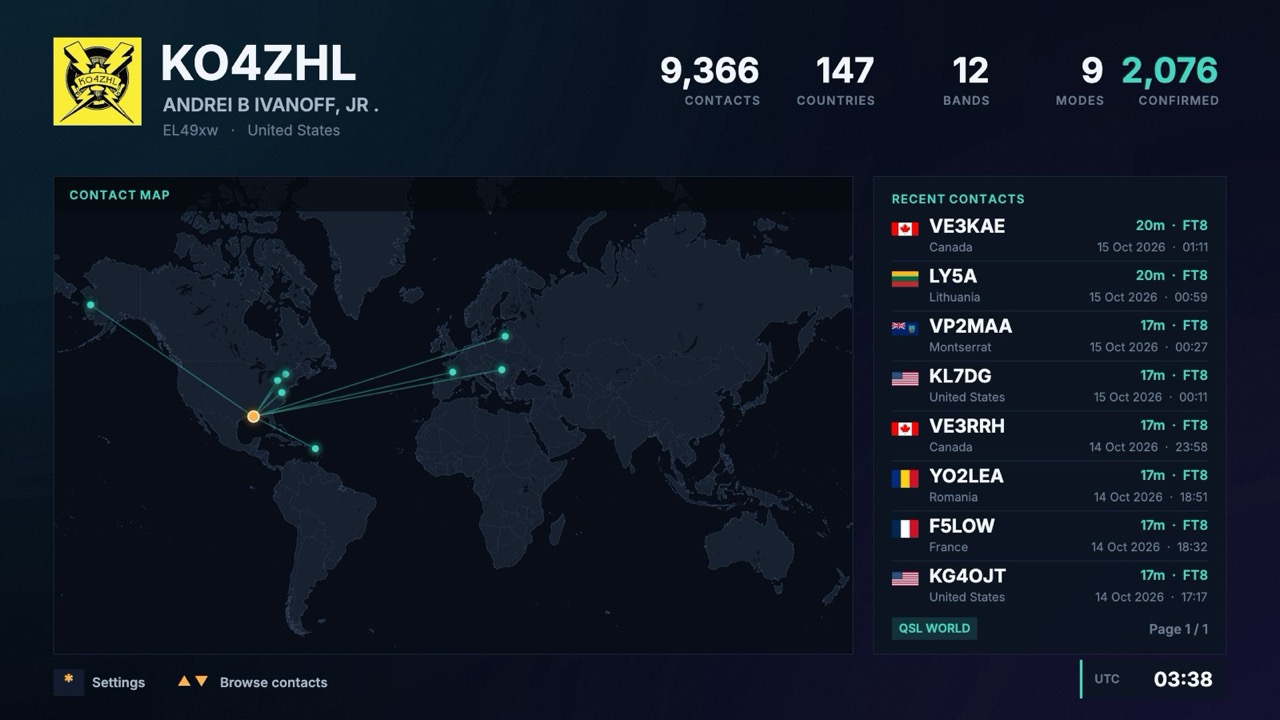
HAM TV is a TV channel. Add it to a Roku or an Amazon Fire TV and the TV in your shack starts broadcasting your station: every contact you log in QSL World appears on the world map, between band conditions, the grey line, amateur satellites and the DX cluster.
Like any channel it plays on its own. No radio to wire up, no computer to leave running: the TV reads your QSL World logbook over the internet.
Free with your QSL World account. Sign in on the TV with your callsign: no key, no subscription.
 Look for

Needs Roku OS 15.1.4 or later: Settings › System › Software update.
 Look for
The app keeps itself up to date.
Pictures of every step and the user manual: HAM TV setup guide on hamtv.app
HAM TV shows what the rest of QSL World records. Log a contact in any of these and it is on your channel within minutes.
The player at the top of this page is the same channel for websites, with the same Settings.